

Disaster Dashboards
Training Session
Agenda
Introduce to Disaster Dashboard and demonstrate key content management capabilities via Admin (backend) site. Then answer some of your questions.
What is a Disaster Dashboard
It is an online 'one-stop shop' platform for various kinds of emergency incidents within LGA.
Before we begin...
Please bookmark/save the following
-
Admin Site
admin.disasterdashboards.com -
Guide/Documentation
docs.disasterdashboards.com -
Support Email
support@disasterdashboards.com
One section at a time
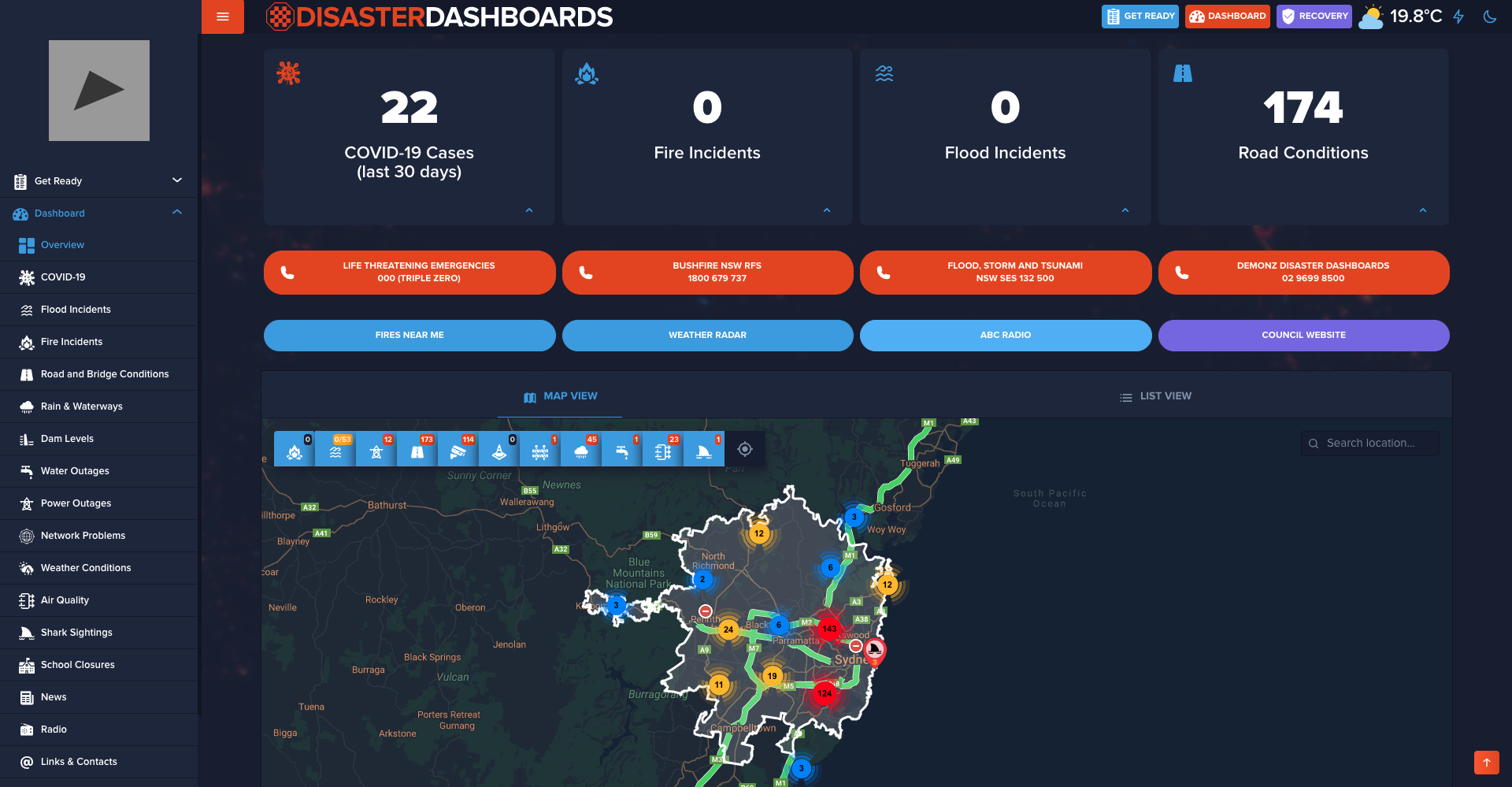
Council Settings
Logo, colors, background image, weather, default map zoom and other settings
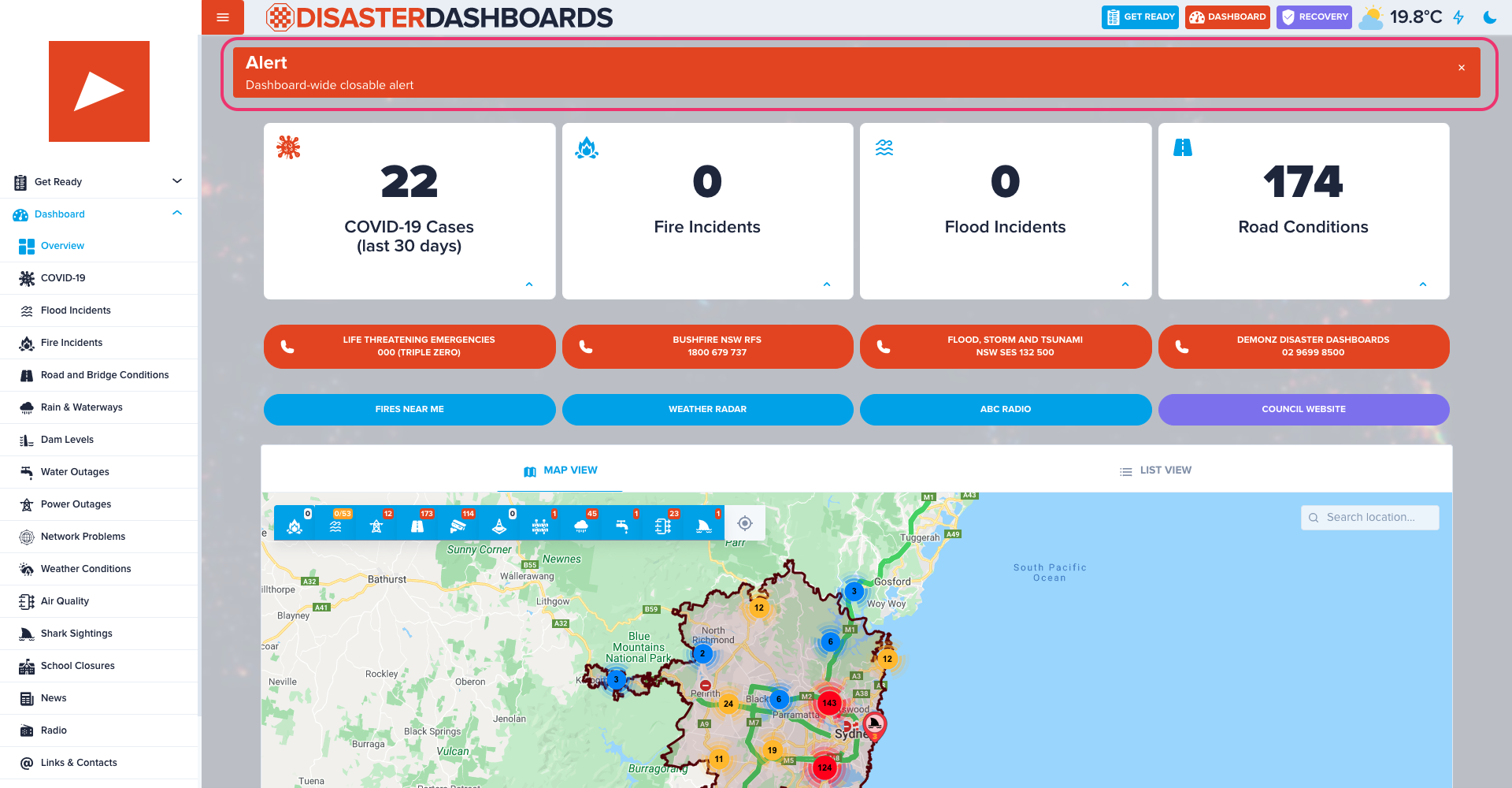
Alert
Closable dashboard-wide alert which is displayed across all pages. Intended for important and urgent information.
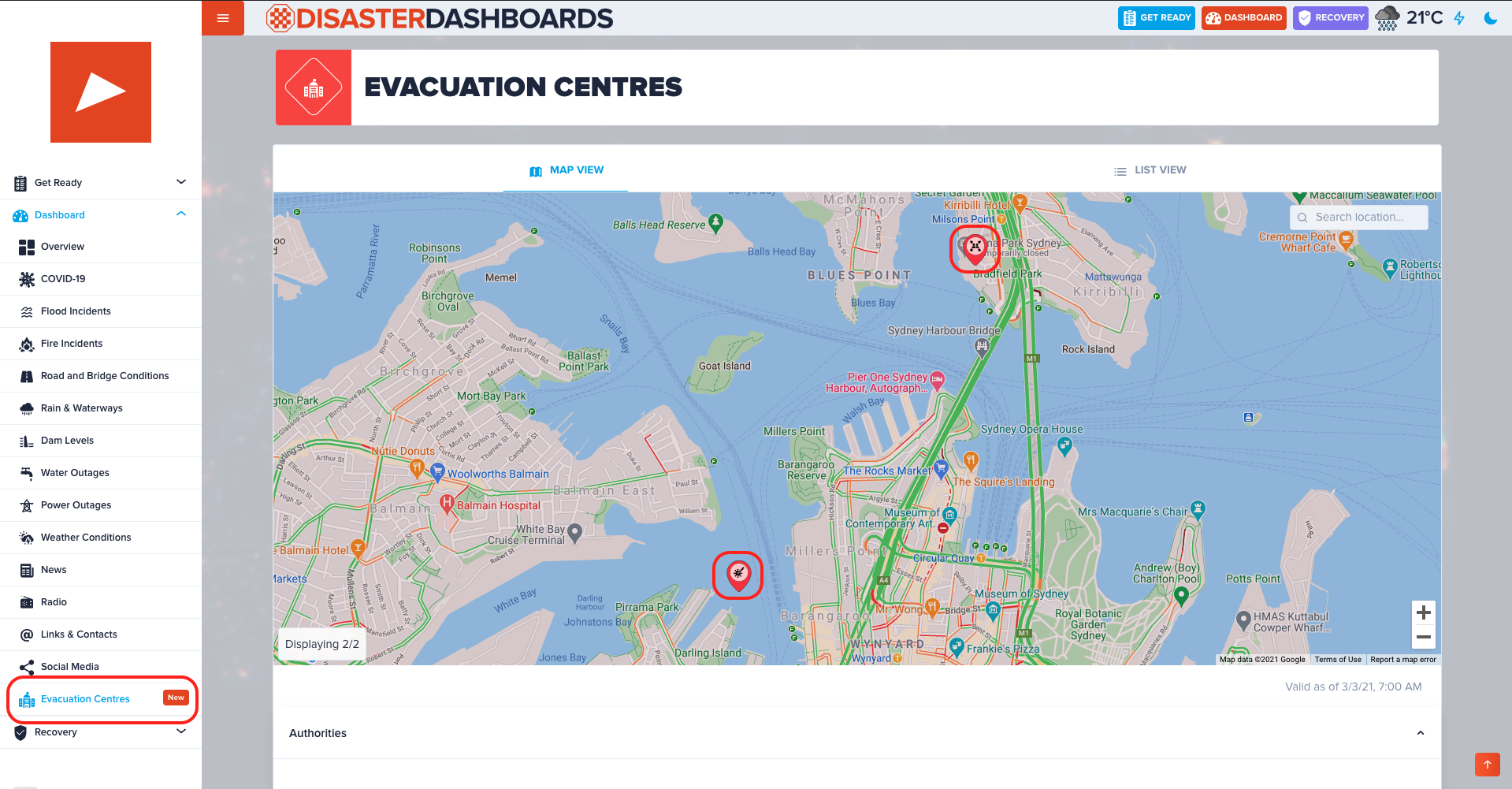
Evacuation Centres
Primarily used to show location and description of evacuation centres, however this content type can be used for other categories of geo-content.
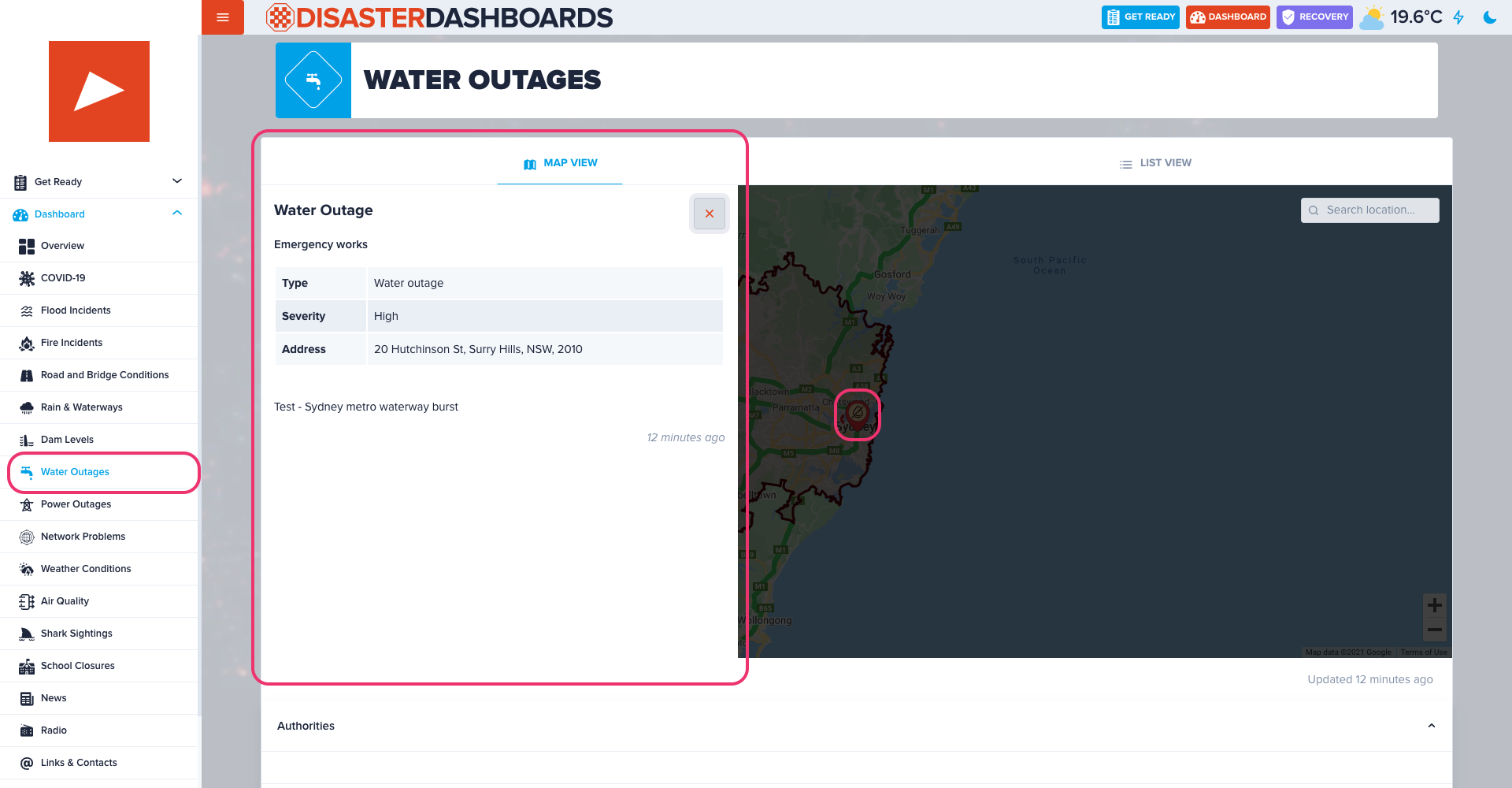
Water Outages
Water and sewerage disruptions with geo-location, status and description.
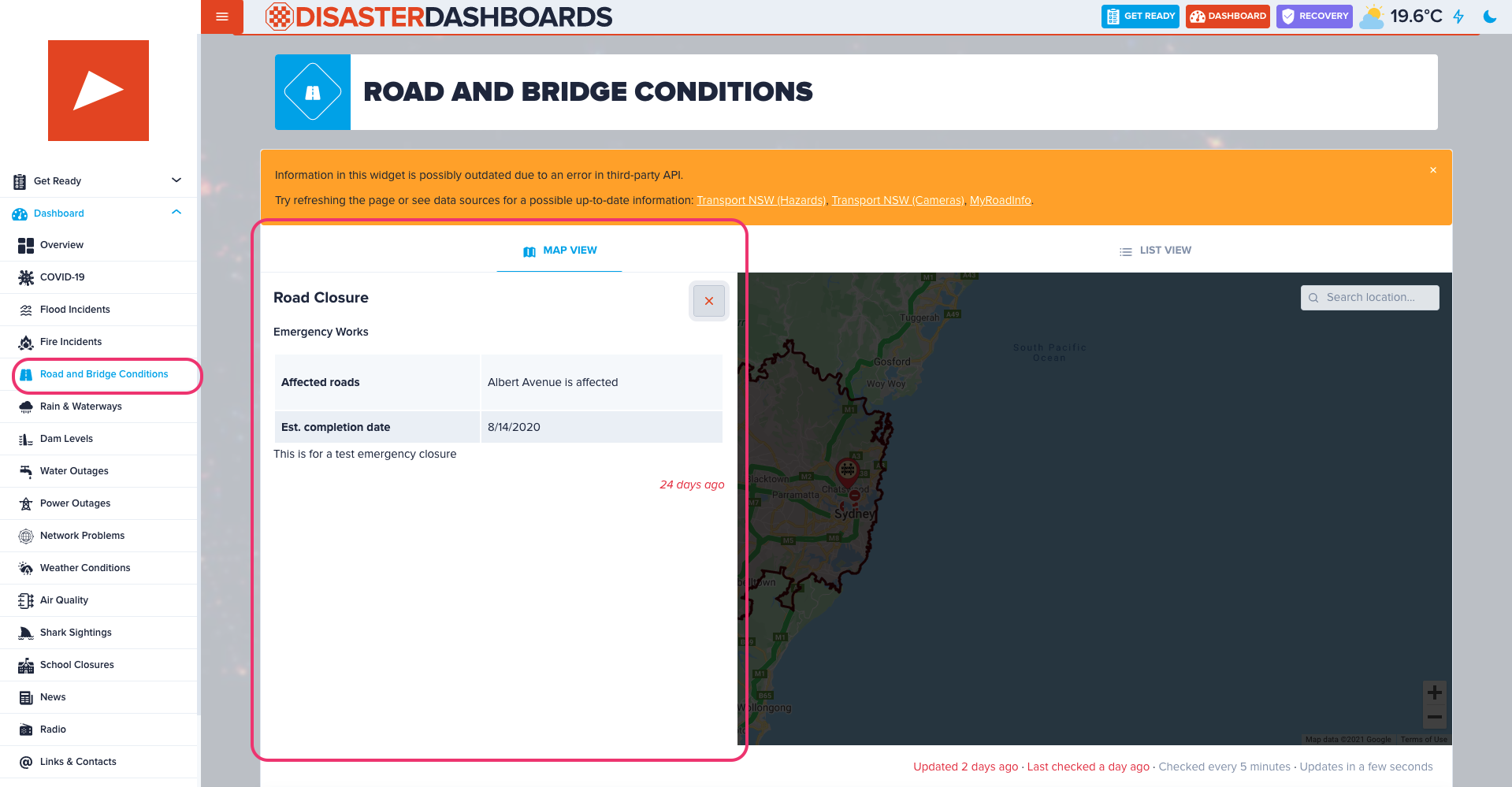
Road Closures
Road & bridge closures with geo-location, status and description.
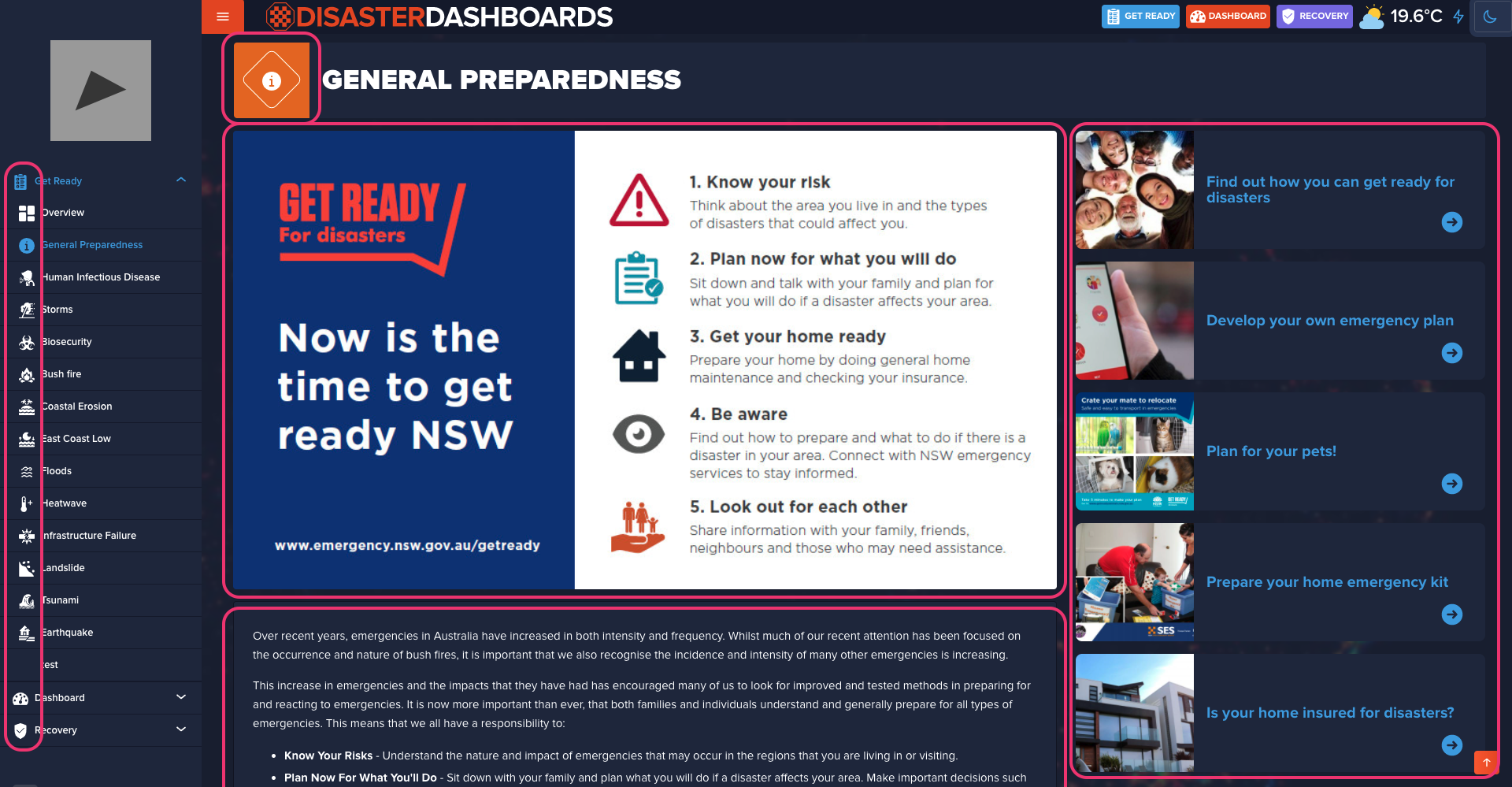
Page Content
Managing static content such as text, images and titles. Mostly applicable for Get Ready and Recovery pages.
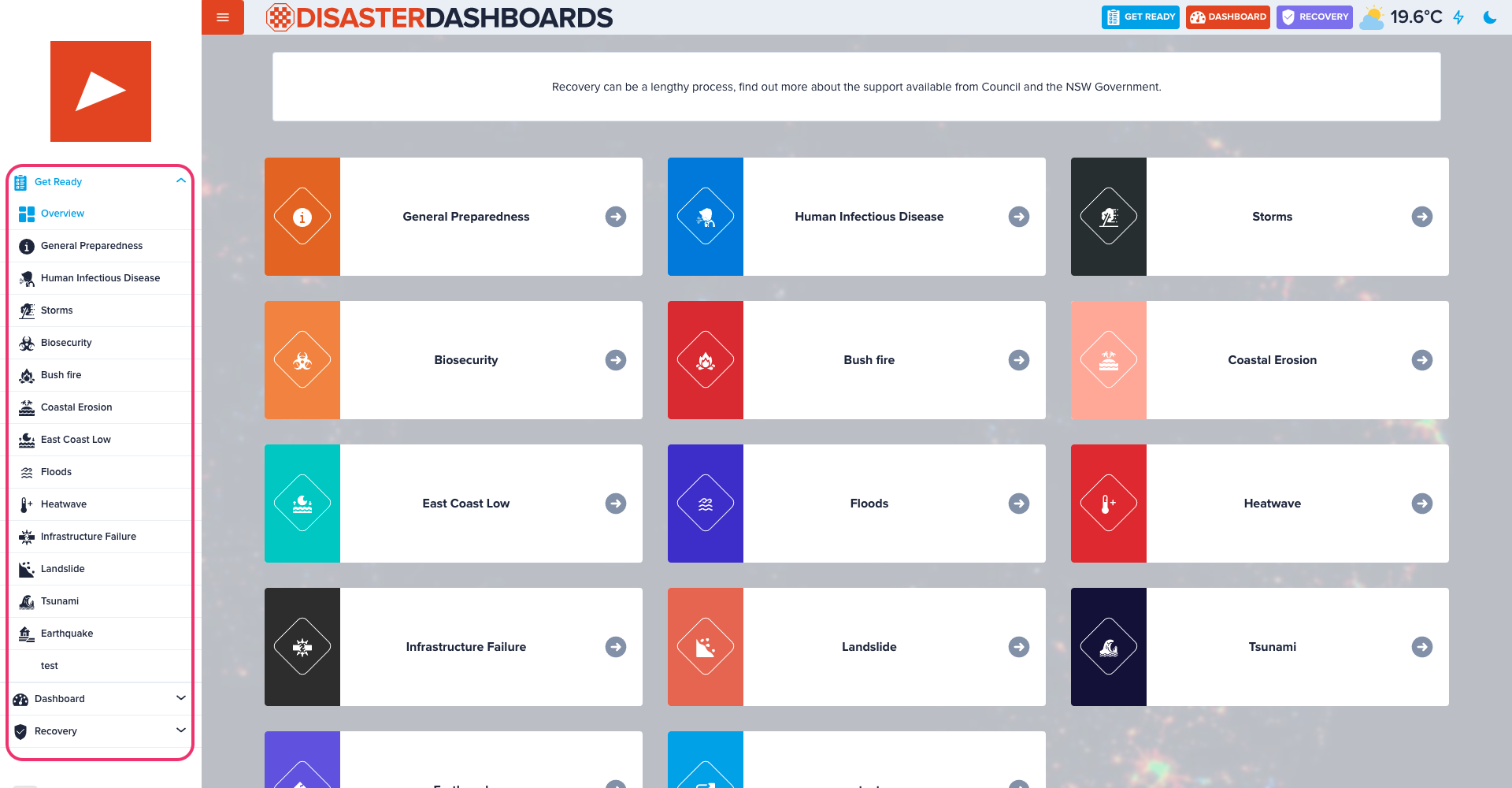
Menu
Editing, creating and deleting menu links. Other useful options include; temporarily hide a page from menu, create a link to an external site or link a new internal page.
Stay up-to-date
Get emails from us about important updates, scheduled maintenances, new features and bug fixes.
Other Features
Other things worth mentioning
-
Other content types & pages
We only cover a few key content types and settings but there's a few more such as Dams and Water Restrictions, Social Media, Radio, News and more. -
'Light' Version
We also provide light version of the dashboard which is perfect for low connectivity networks and/or legacy devices. It is optimised for fast loading and doesn't use any JavaScript. -
Social Media
On our official Disaster Dashboards Facebook page we provide information that maybe of interest to residents. It helps to increase community engagement and collect valuable feedback.
Custom Domain
We recommend councils to point their domains to our CNAME, so instead of
councilname.disasterdashboards.com you may have
disaster.councilname.nsw.gov.au.
More details on how to do it please view this section of the user guide.
Roadmap
Exciting features in the making...
-
Network Disruptions
Map and charts of reported network problems with Telstra, Vodafone, Optus and NBN. -
Air Quality
Mapped air quality monitoring stations showing various parameters of current air quality status. -
Shark Sightings
Mapped recent shark detections
-
User Incident Reports
Tool for dashboard visitors to report an incident. Which then will be moderated by council and once approved displayed on the maps. -
Custom Maps
Content type which will allow to add a point or polygon with a custom category. An example of use case is showing local evacuation centres. -
Improved Get Ready Section
Identifying most likely sources of hazard for a particular visitor and giving only relevant information describing how to prepare and mitigate any potential emergencies.
Q&A
End of Session
Thank you for your attention! Feel free to contact us if you have any requests or questions